
Patch Notes
Release Notes — April 2026
OCR Invoice Creation (AI), Bank Reconciliation, API Transaction Tracking and more.
New CRM module, visual refresh of several functions, and bug fixes.

Bluebee's integrated CRM allows sales representatives to follow up on their customers or potential customers (prospects). If the representative succeeds in acquiring a prospect, he can then convert it into a customer with one click. Subsequently, thanks to the customer file, the representative can consult the history of the customer's proposals, orders, invoices and payments. He can also consult a set of charts, ratios, tables and statistics on the customer.
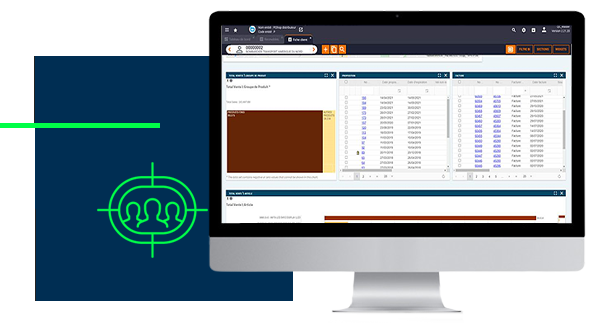
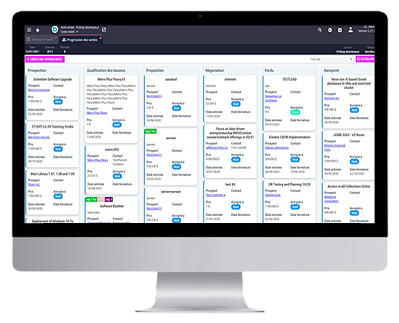
The representative can also create opportunities that he will attach to customers (or prospects). These opportunities can be tracked via a simple list or a Kanban view where the opportunities are represented visually in stages of progress.
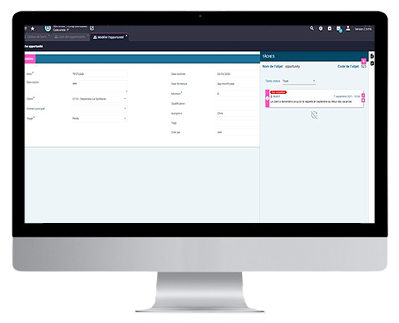
Within each opportunity, representatives can leave notes in order to build a history of communication with the customer. They can also create tasks, such as appointments or follow-up reminders, and assign them.
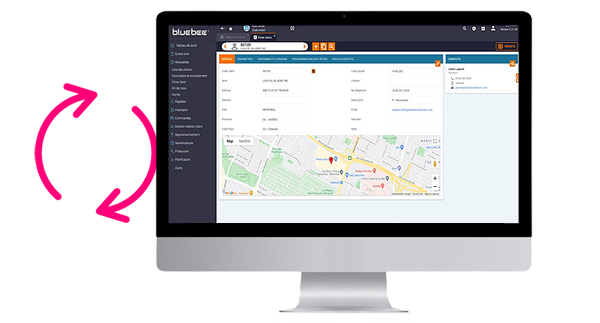
Several modifications have been made to refresh the visual of certain functions, in particular master files, consultation grids and more.
FLASH (Flex) functions change to REACT JS With the end of Flash's life, the remaining Flash functions have been migrated to React JS technology.
Shortcut to archives A shortcut button for archived documents has been added to the header bar!
Global menu
Stock adjustment
Sales Orders
Drives (global)
Drive: Purchasing, "Purchase order lines" tab
Drive: Account charter, "GL account" tab
Drive: Orders and Invoicing, "Direct debit vouchers" tab
Drive: Orders and Invoicing, "Orders" tab
Drive: Orders and Invoicing, "Order lines" tab
Drive: Disbursement, "Bank" tab
Drive: Physical statement, "Items" tab
OCR Invoice Creation (AI), Bank Reconciliation, API Transaction Tracking and more.
Electronic Funds Transfers, Shopify integration, and numerous bug fixes.
Two-factor authentication, field changes via Excel extraction and import, and bug fixes.
Let's talk about your business processes and see how Bluebee can help — from application support all the way to AI adoption.